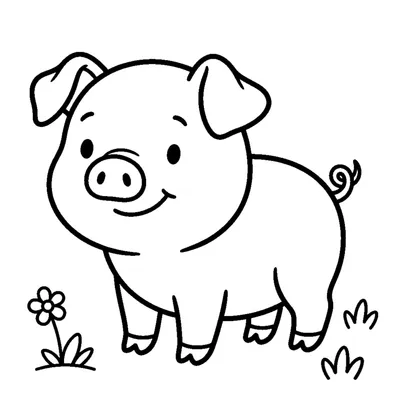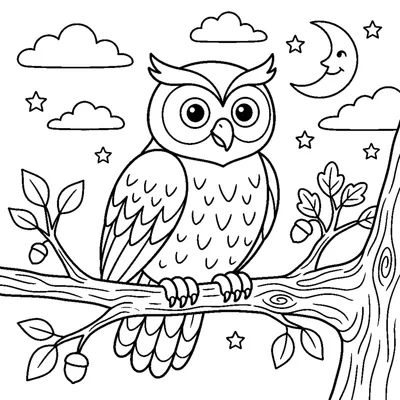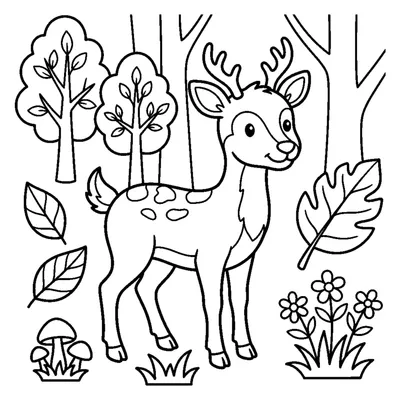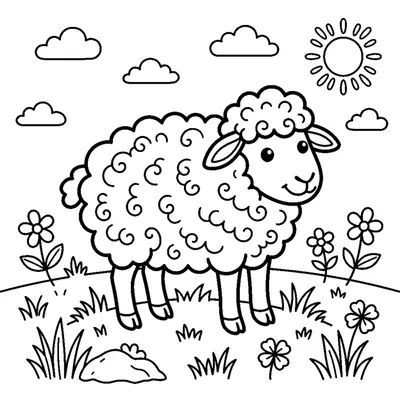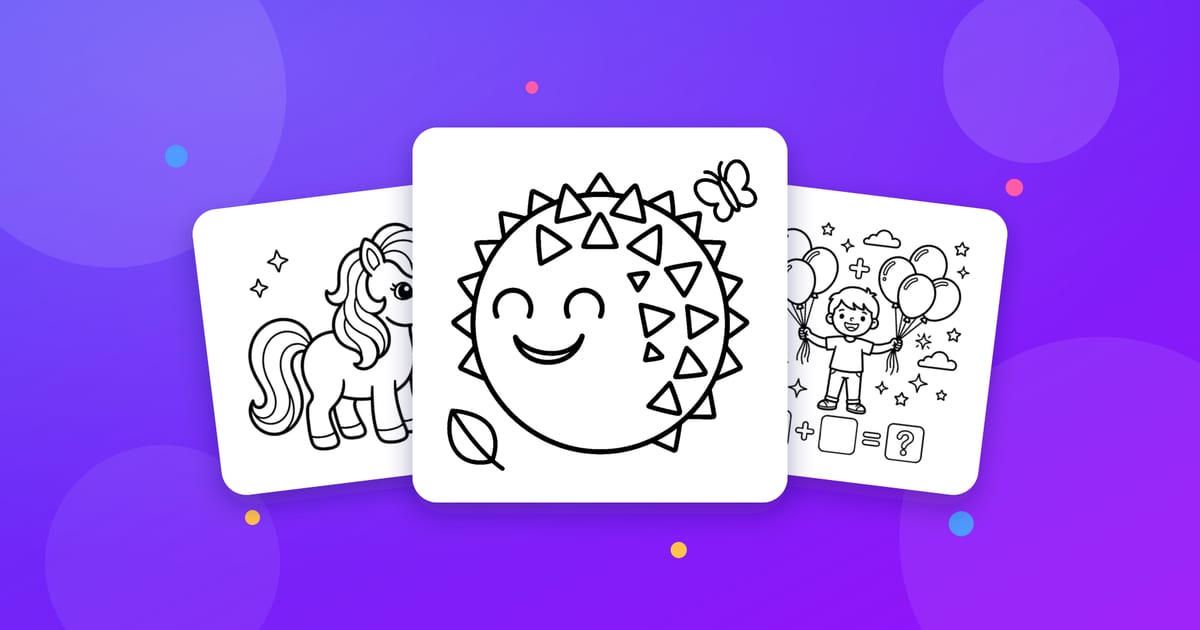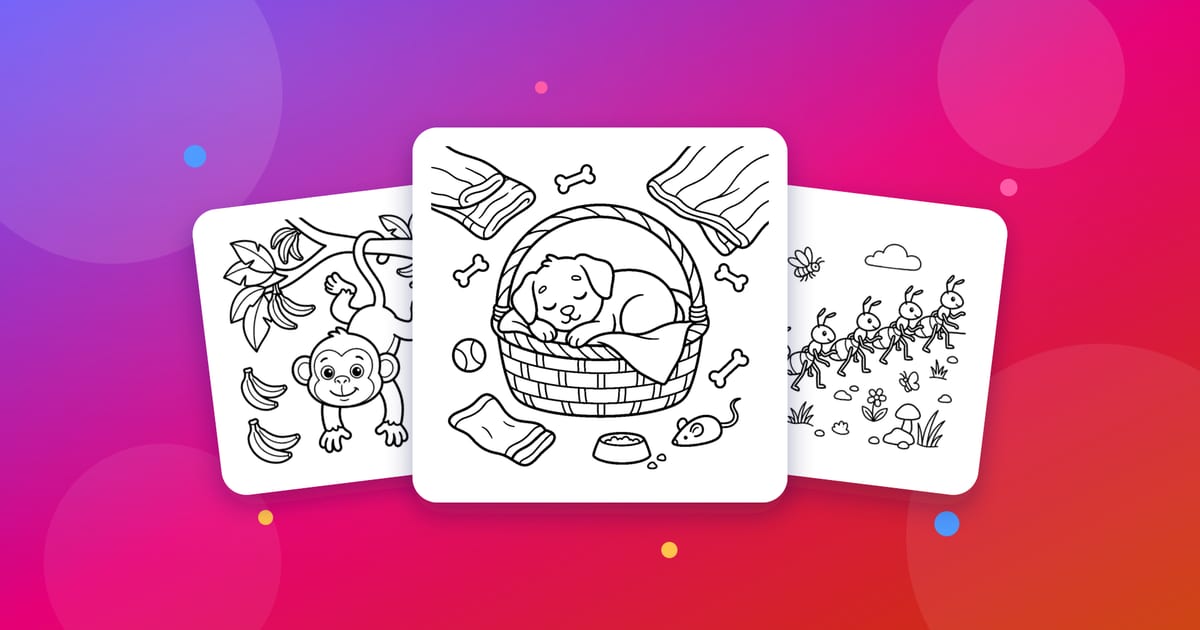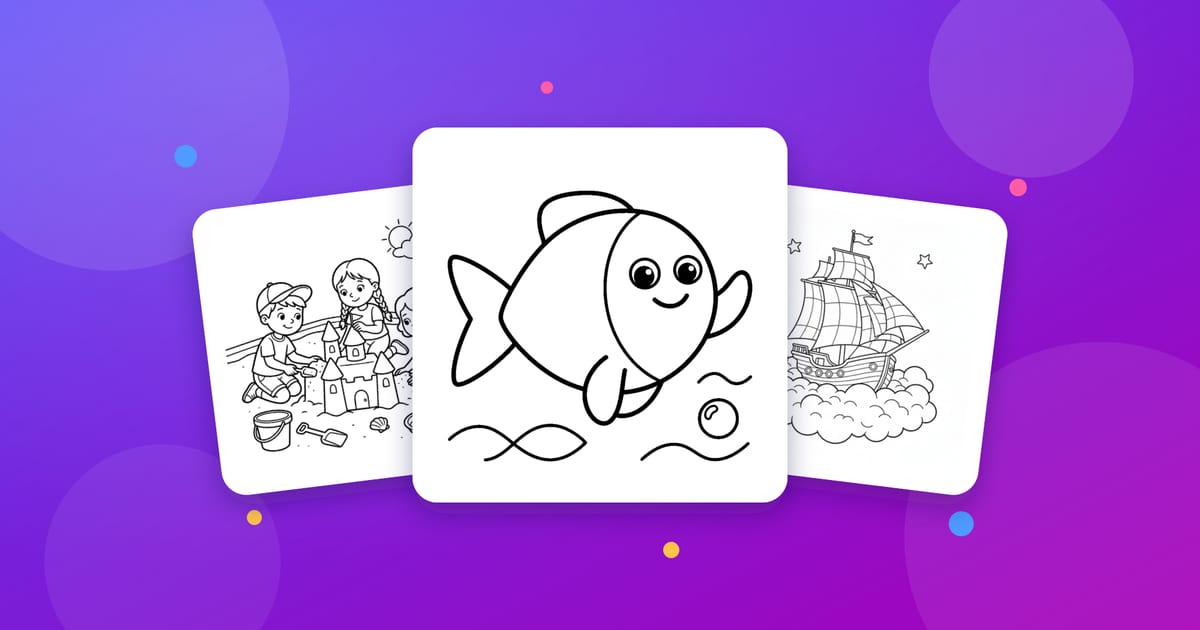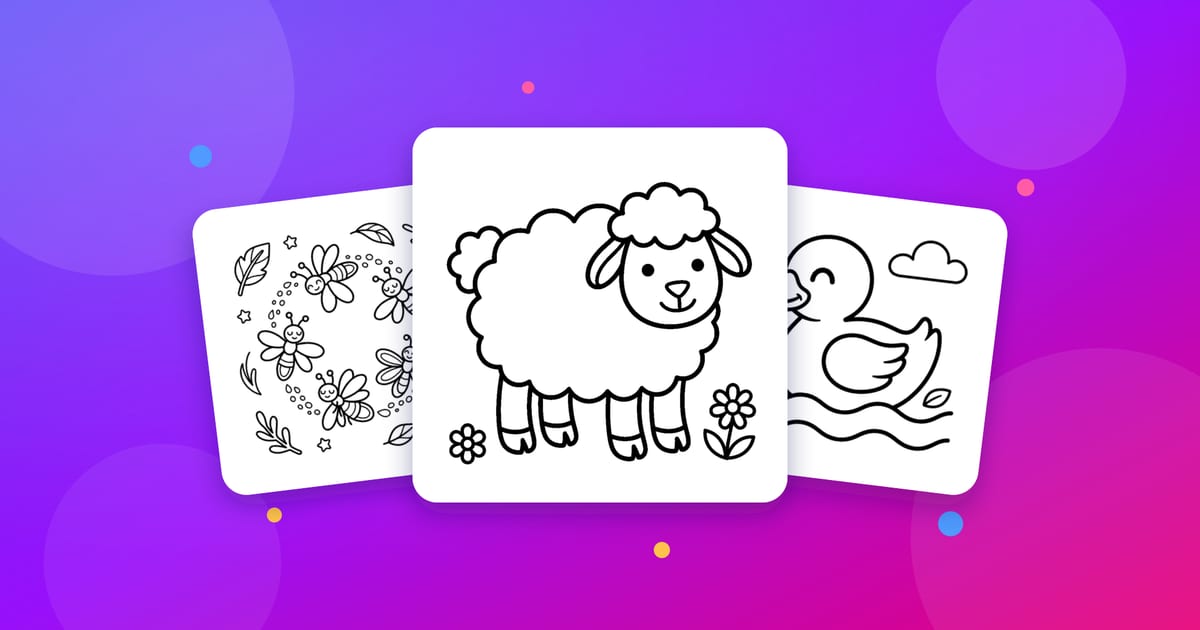
In an ordinary coloring book you always color someone else’s drawings. But what if your child could color their own photo? That is exactly what Color the Picture’s AI Studio does: it turns a photo into a clean-lined, printable coloring page in seconds.
How it works, step by step
1. Create a free account. Sign in with your Google account in one click. Accounts use a parent model — you stay in control.
2. Open AI Studio. Click “Create a Coloring Page with AI” on the home page.
3. Upload your photo. A portrait of your child, your pet, a family moment… Every photo first passes an automatic safety check — content that is not child-friendly is rejected right away.
4. Let the AI convert it. The model turns the photo into a page with clean outlines and clearly colorable regions. Even dark hair, glasses and patterned clothes become colorable areas instead of solid black blobs.
5. Color it or print it. Color the result right in your browser, or download it as a PDF and print it.
Tips for great results
- Pick a clear subject: a single person or animal works better than a busy crowd.
- Good light matters: daylight photos produce the cleanest lines.
- If the face is clear, the result stays recognizable — kids love coloring themselves.
Why custom coloring pages?
Coloring a page made from your own photo means far more to a child than a generic template: they are coloring their own dog, their own room, their own family. Perfect for birthday activities, classroom projects and rainy weekends.
Sign up for Color the Picture for free and your first custom coloring page is only minutes away.